Copy the TMDL code
DAX function to create icons easily in Power BI
This resource includes a ready-to-use TMDL UDF to generate icons easily inside Power BI. It is based on the open-source Lucide library and gives you access to more than 1,000 icons in just a few clicks.
What you get
- A reusable function for your visuals
- Clean and consistent SVG rendering
- A simple baseline to customize your business badges
Included file
udf_function_embedded_all_icons.tmdl
Quick setup
- In the TMDL view inside Power BI, click Copy the code.
- Copy the code.
- Paste it into TMDL.
- Run the script.
- Create a new measure.
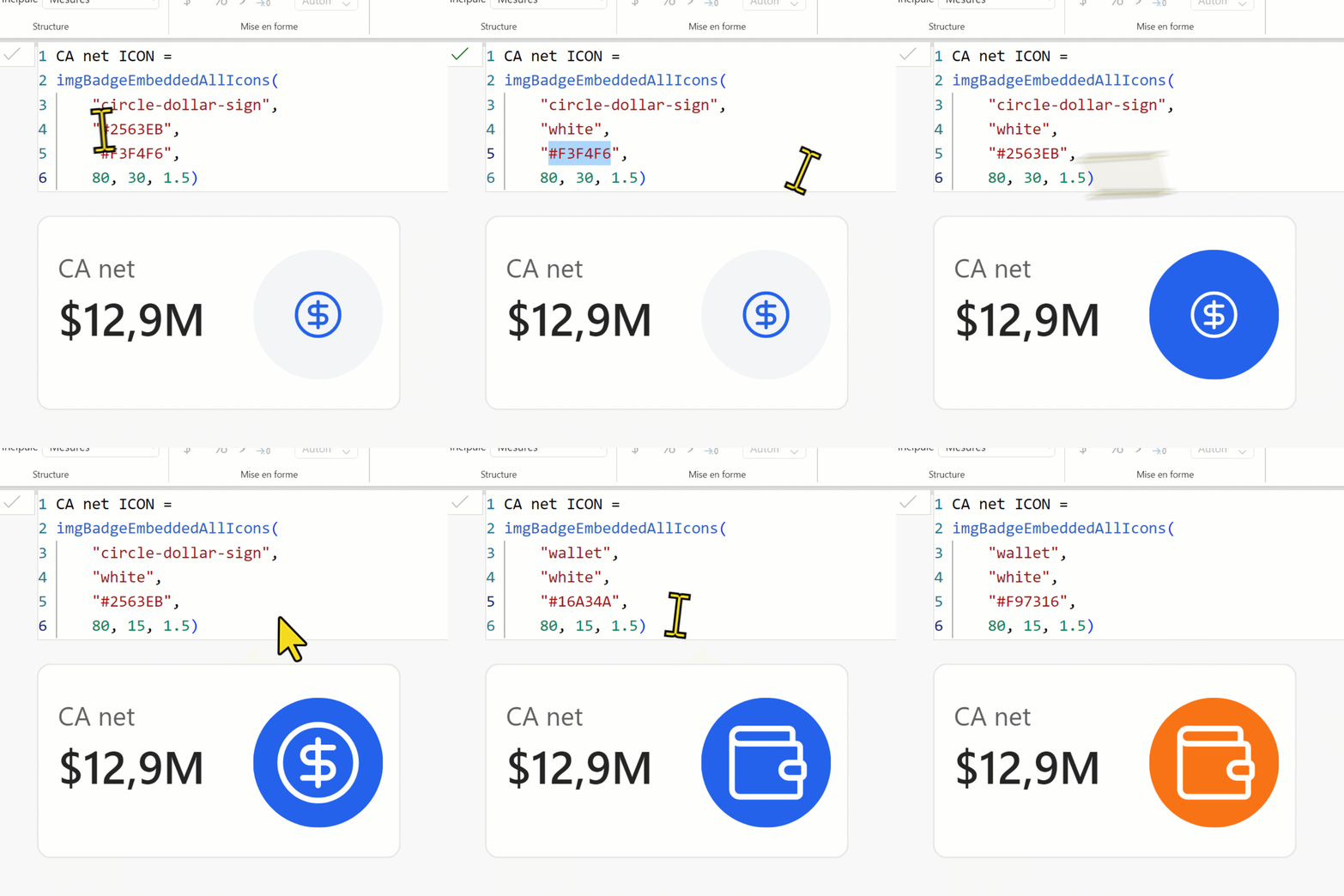
- Use the example below as a starting point.
Create a new DAX measure next and use the example below as a quick starting point inside Power BI.
Example DAX measure
imgBadgeEmbeddedAllIcons(
        "circle-dollar-sign",
        "#FFFFFF",
        "#2563EB",
        60,
        40,
        1.5
)
If you have questions, or if you run into any difficulty setting this up, feel free to message me on LinkedIn. My inbox is open, so use it.
If you find this library useful, I am not asking you to buy me a coffee. Just send me a quick LinkedIn message to say you think it is cool. I would genuinely love the feedback.
No Warranty / Limitation of Liability
This function is provided "as is" without support and without warranties or conditions of any kind, either express or implied. I shall not be liable for any damages arising from use, misuse, or misconfiguration of this function.
